



 Forum
Forum
 Rules
Rules Donation
 Servers
 Guides
 Video
Video

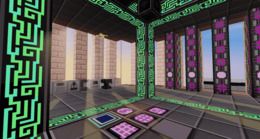
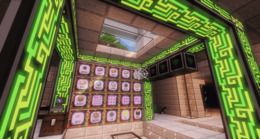
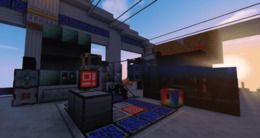
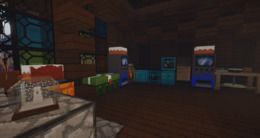
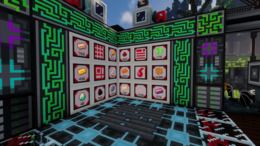
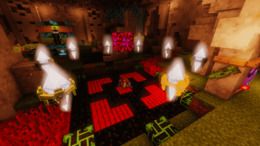
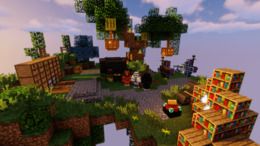
The Schematic mod does not add any new blocks, but despite this, it transforms your survival world significantly.
The main feature that this modification adds is the ability to load holograms of buildings directly into your world.
This is implemented very simply. Before building, you need to download a file with the building you want in .schem format (.schematic, varies from version to version) and save it in a folder named schematics inside your launcher folder. Now you can enter the game and by pressing the button Load schematic(see in controls settings), you will see a list of all your schematics. The next step is simple, you need to select the one you need and press done.
Next, to place the schematic as you would like, you can use the button Manipulate schematic (see in controls settings). In this menu, you change the position of the schematic by coordinates and around its axis. You can also see all the necessary materials for the building by pressing the button Materials. You can choose how to display the hologram, by layers or all at once. And a feature that incredibly simplifies life - Printer. When it is turned on, your character places all the necessary blocks within a certain radius, if they are in your inventory.
Also, this menu has the function Unload, which removes the hologram.
And the last, but not least important feature is Save schematic. You can build a beautiful structure in creative mode and transfer it to survival mode. To do this, you need to press the button Save schematic (see in controls settings) and a menu will open where you can manually enter the coordinates of two diagonal points to get a cubic shape, or approach the diagonal edges of the building and press Red point and Blue point. After that, you just need to give a name to the building and save it to yourself. Now you can build this structure in your survival mode using the knowledge gained above!









 Registration
 Forgot your password
 Download the launcher
 Mods
Mods
 Player ranking
 Ban list
 FAQ
FAQ
 Project team






 Telegram
 Discord
 YouTube
 Home
Home
 Forum
Forum
 Navigation
 Authorization